
Introduction
The Eclipse Admin Portal is the primary web interface for managing tenants, customers, wallets, cards, and platform configuration. This guide is intended for support staff and administrators who use the portal day-to-day.
Accessing the Portal
The Eclipse Admin Portal is available at https://ukheshe.live/admin-portal/.
When your tenant account is set up, you will receive a welcome email containing your username and a system-generated password. Check your spam or junk mail folder if it does not appear in your inbox.
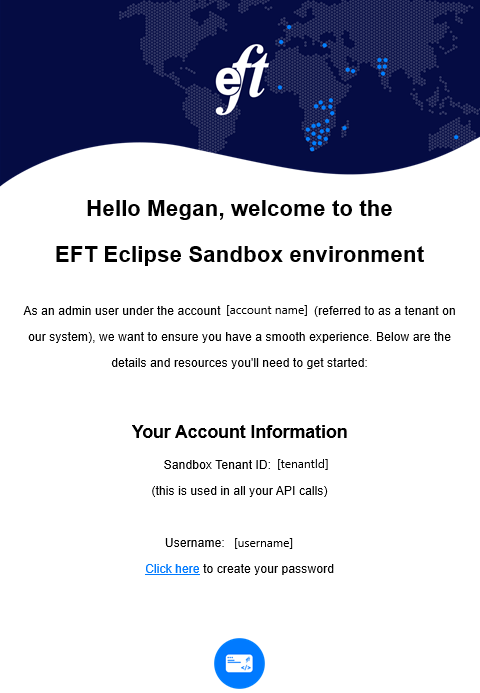
Welcome to Eclipse
To log in for the first time:
- Navigate to the portal URL above.
- Enter the username and password from your welcome email.
- When prompted, change your password immediately. Your new password must comply with the password rules configured for your tenant.
- After changing your password, you will land on the main portal dashboard.
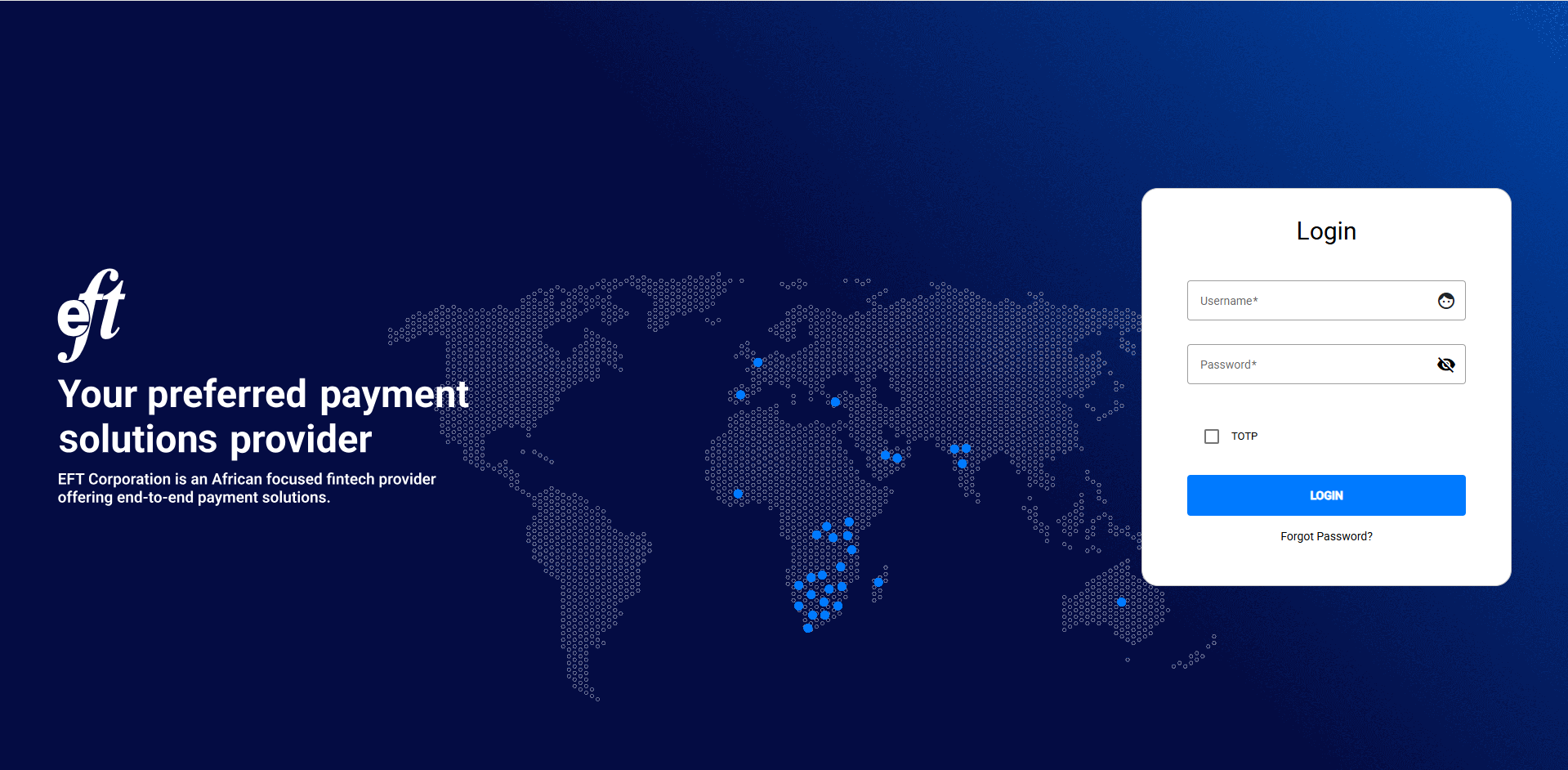
Admin Portal Login
NoteIf your tenant has MFA (TOTP) enabled for your user role, you will also be prompted to enter a 6-digit one-time password after entering your credentials. See the Admin Users section for setup instructions.
Portal Layout Overview
The portal is divided into a left-hand navigation sidebar and a main content area. The primary sections are:
| Section | Purpose |
|---|---|
| Customers | Search, view, create, and manage customer profiles |
| Cards | View all cards across the tenant |
| Wallets | Tenant wallets, system wallets, and wallet transfers |
| Configuration | Admin users, wallet types, permissions, tenant config, and organizations |
| Reports / Payments | Payment history and audit events |
Admin User Roles
Eclipse uses a tiered role system. Each role has a different scope of access. The exact permissions for each role are configurable per tenant.
| Role | Typical Use |
|---|---|
| LEVEL_01 | Basic read access — customer lookup, wallet viewing |
| LEVEL_02 | Intermediate access — update customer details, view KYC |
| LEVEL_03 | Elevated access — perform transfers, change wallet status |
| TENANT_SYSTEM | Full tenant-level access — manage admin users, configure permissions. Recommended for backend integration accounts and should have PKI authentication enabled |
| GLOBAL_ADMIN | EFT Corp operator access — manage tenants, global config, and system wallets |
NoteA business or management decision must be made about which permissions each role level should carry. Permissions are configured under the Configuration section and apply to all users assigned that role.
Updated 4 months ago